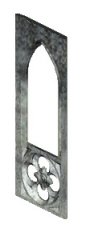
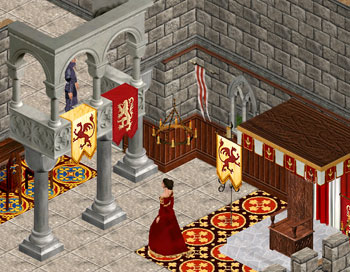
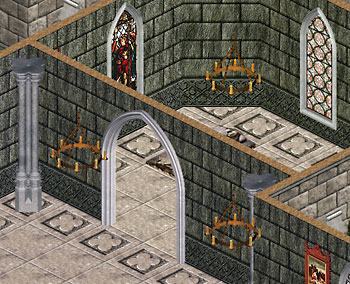
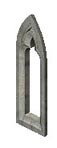
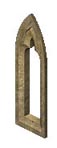
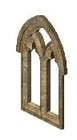
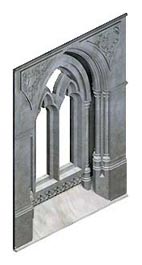
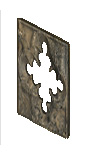
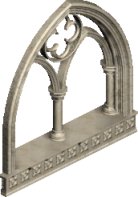
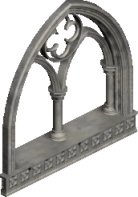
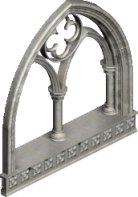
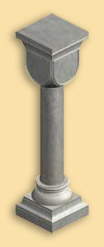
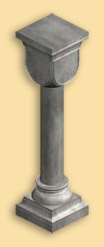
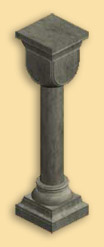
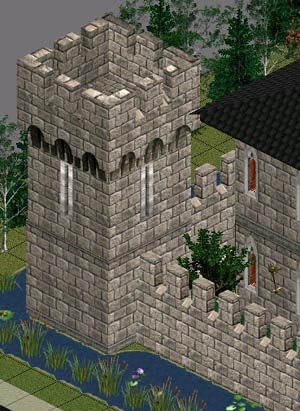
Classic Windows witn pediment
Posted in Objects, Sims 2 on June 26th, 2009 by admin – 3 CommentsSims 2
Classic Short Window with Peak Pediment
|
|
All the windows can be placed in diagonal walls and all come in 4 frame stone textures and 3 wood pane: white, black and medium wood. |
Classic Short Window with Round Pediment
|
|
All the windows can be placed in diagonal walls and all come in 4 frame stone textures and 3 wood pane: white, black and medium wood. |
Classic Large Window with Peak Pediment
|
|
All the windows can be placed in diagonal walls and all come in 4 frame stone textures and 3 wood pane: white, black and medium wood. |
Classic Large Window with Round Pediment
|
|
All the windows can be placed in diagonal walls and all come in 4 frame stone textures and 3 wood pane: white, black and medium wood. |
Classic Large Window with Peak Pediment and balcony
|
|
All the windows can be placed in diagonal walls and all come in 4 frame stone textures and 3 wood pane: white, black and medium wood. |
Classic Large Window with Round Pediment and balcony
|
|
All the windows can be placed in diagonal walls and all come in 4 frame stone textures and 3 wood pane: white, black and medium wood. |
Classic Peak Pediment for doors
|
|
This pediment comes in 4 frame stone textures matching the classic windows with pediment. It can be used with some doors of the game. You must use the cheat moveobjects on to place it over the doors. This object uses the Repository tecnique, and borrows its textures from the short window with peak pediment, wich means that you must place the window in your downloads folder too if you want to use this pediment or you won’t see it at all. If you delete in game some of the textures of this pediment, you will delete the original window too. |
Classic Round Pediment for doors
|
|
This pediment comes in 4 frame stone textures matching the classic windows with pediment. It can be used with some doors of the game. You must use the cheat moveobjects on to place it over the doors. This object uses the Repository tecnique, and borrows its textures from the short window with round pediment, wich means that you must place the window in your downloads folder too if you want to use this pediment or you won’t see it at all. If you delete in game some of the textures of this pediment, you will delete the original window too. |
Classic Short Window with window head and corbels
|
|
All the windows can be placed in diagonal walls and all come in 4 frame stone textures and 3 wood pane: white, black and medium wood |
Classic Short Window
|
|
All the windows can be placed in diagonal walls and all come in 4 frame stone textures and 3 wood pane: white, black and medium wood |
Classic Large Window with window top and corbels
|
|
All the windows can be placed in diagonal walls and all come in 4 frame stone textures and 3 wood pane: white, black and medium wood |
Classic Large Window
|
|
All the windows can be placed in diagonal walls and all come in 4 frame stone textures and 3 wood pane: white, black and medium wood |
Classic Large Window with window top, corbels and small balcony
|
|
All the windows can be placed in diagonal walls and all come in 4 frame stone textures and 3 wood pane: white, black and medium wood |
Classic Large Window with small balcony
|
|
All the windows can be placed in diagonal walls and all come in 4 frame stone textures and 3 wood pane: white, black and medium wood |
I’ve changed my policy about cloning or recoloring my Sims 2 objects. Read HERE for details.
New objects for The Sims 2 are currently in Beta stage. They run safely in The Sims 2, but you should use them at your own risk. Recolored objects will require you to download and install the CEP – Colour Options Enabler that can be found here:
![]()